
Hardware we design, build and connect
Ajvika Hardware — built in Kakinada
Beyond apps and platforms, Ajvika designs its own smart hardware. Every device pairs with the Ajvika Connect app for monitoring, control and history.
Products in the line-up
Patent-pending product
App controls them all
Patent Pending
Ajvika SmartCharge
A smart charging socket for your phone charger, controlled from the app over Bluetooth
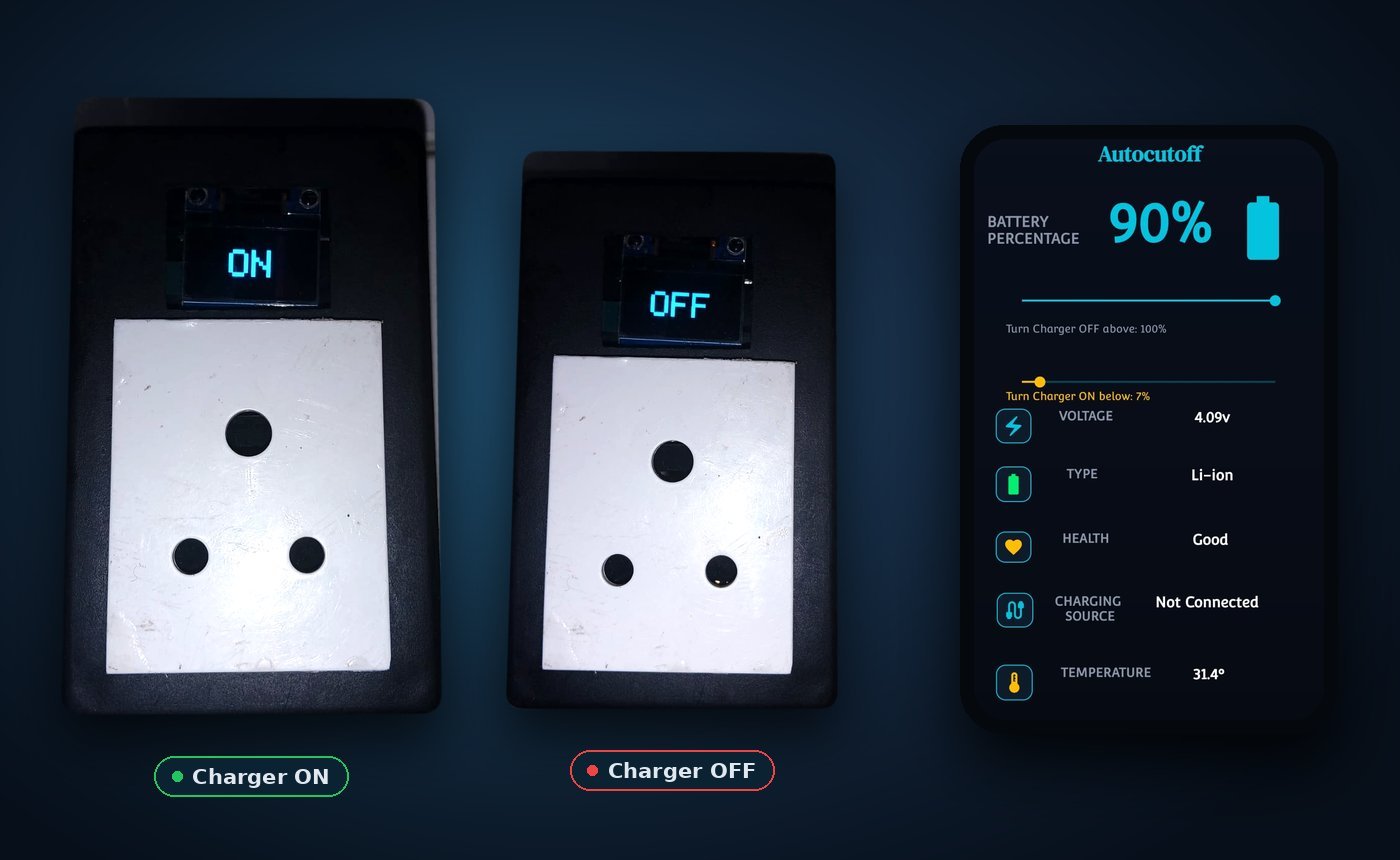
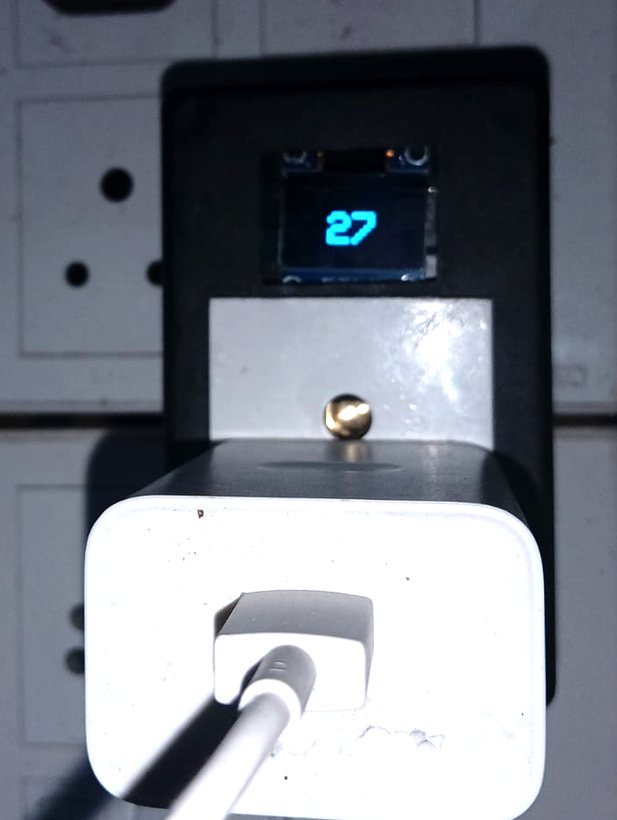
Your phone's safety guard — charges smartly, stops automatically, keeps your battery healthy.
What it does
Ajvika SmartCharge is a smart socket. Plug it into the wall and plug your normal phone charger into it. The app watches your phone's battery level and temperature and tells SmartCharge to switch the charger on or off — so your battery stays healthy without you unplugging anything.
Who is it for?
- Homes
- Offices
- Hostels
- Shared charging points
Stops when full
When your phone reaches the level you set (like 100%), the socket switches the charger off, so the battery never overcharges.
Protects from overheating
If your phone gets too hot while charging, the charger switches off on its own.
Your own ON and OFF levels
Two sliders in the app: "Turn charger OFF above" and "Turn charger ON below" — set them to suit you.
Status on the device
A small screen on the socket shows ON or OFF at a glance, without opening the app.
Full battery details
The app shows battery percentage, voltage, type, health, temperature, charging source and status.
Easy Bluetooth pairing
Pair your phone with the socket once. After that, everything works automatically in the background.
How it works
- Plug SmartCharge into a wall socket, and plug your phone charger into SmartCharge.
- Pair your phone with SmartCharge over Bluetooth in the app.
- Set "Turn charger OFF above" and "Turn charger ON below" with the two sliders.
- The app keeps checking battery level and temperature.
- SmartCharge switches the charger on or off automatically, and its screen shows ON or OFF.
- Open the app anytime for voltage, health, temperature and charging status.
Normal charger vs SmartCharge
| Normal charger | Ajvika SmartCharge |
|---|---|
| Keeps charging after the phone is full — battery gets stressed | Stops automatically at 100% — battery stays healthy longer |
| No idea if the phone is getting too hot | Detects heat and turns off the charger automatically |
| You must plug in manually when battery gets low | Turns on by itself when battery drops to your set level |
| No status without checking the phone | Shows live charging status on its own screen |
| No record of past charging | Keeps full charging history for every session |
| Unattended charging can overcharge or overheat | Works safely on its own — no need to watch it |
Ready to Use
Ajvika Feedback Device
Four buttons, one tap — customer feedback captured right where it happens, and tracked live in the Ajvika Connect app.

How was your experience? One tap tells you. Developed, tested and ready to install.
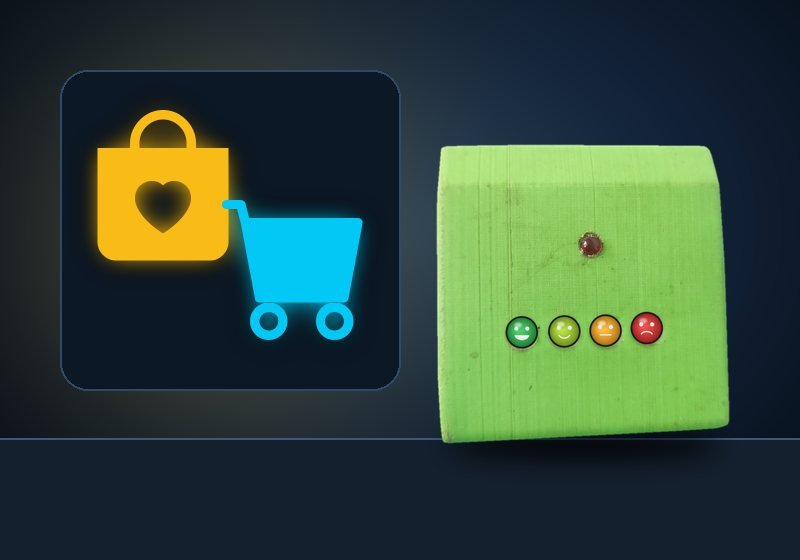
Four buttons, left to right
Why it works
Customers rarely fill forms or leave reviews. A button at the exit or the washroom door takes one second — so you hear from far more people, and you see problems the same day, not at month end.
Order on WhatsApp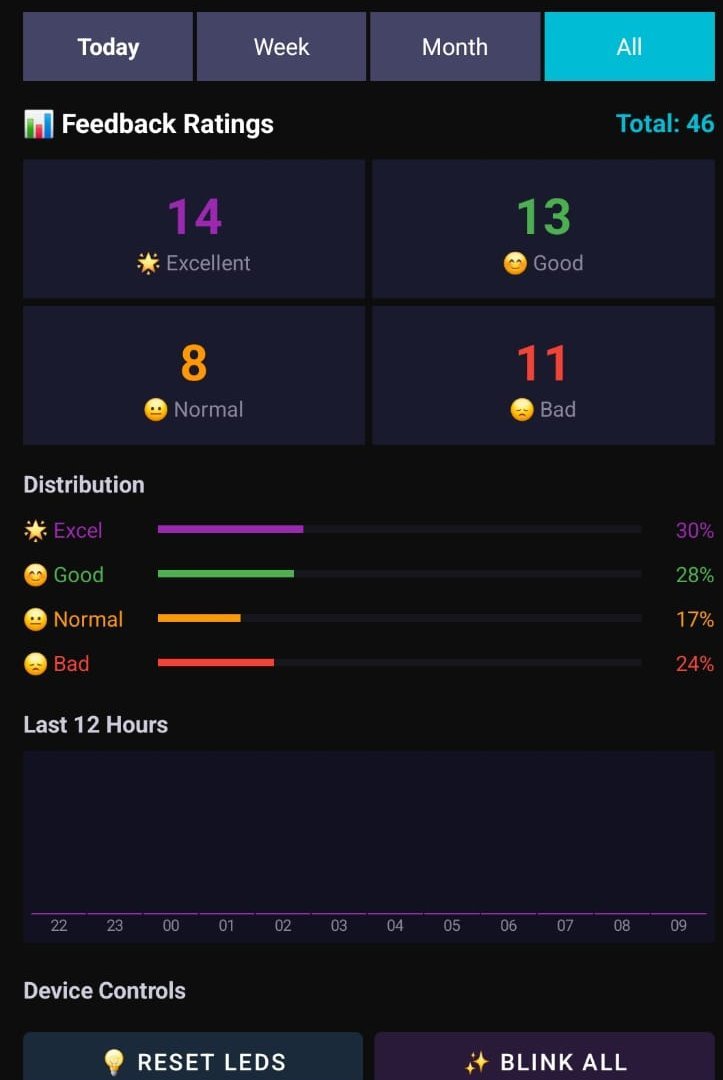
Every tap, live in the Ajvika Connect app
Live rating counts
See how many Excellent, Good, Normal and Bad ratings came in, with the running total.
Today, week, month, all
Switch time ranges in one tap to compare today with the week, the month or all time.
Distribution at a glance
Percentage bars show the share of each rating, so a rise in "Bad" stands out immediately.
Remote device controls
Reset or blink the device LEDs from the app, without walking to the device.
Where it's used
Shopping malls
Place it at store exits and help desks to rate the whole visit.
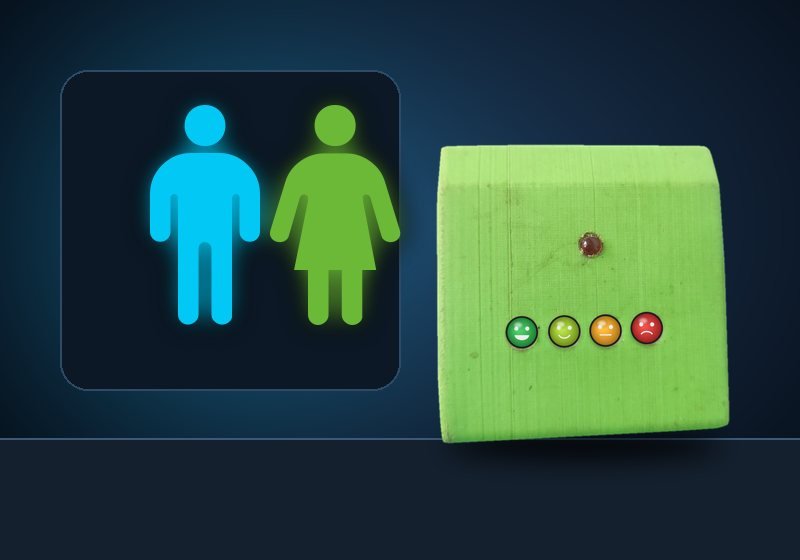
Washrooms
Track cleanliness hour by hour and send cleaners where "Bad" rises.
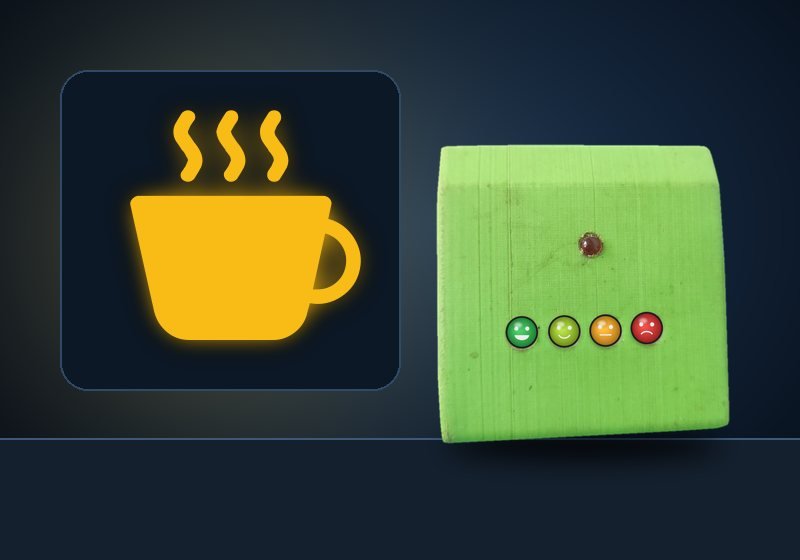
Restaurants
Capture food and service ratings as guests leave.
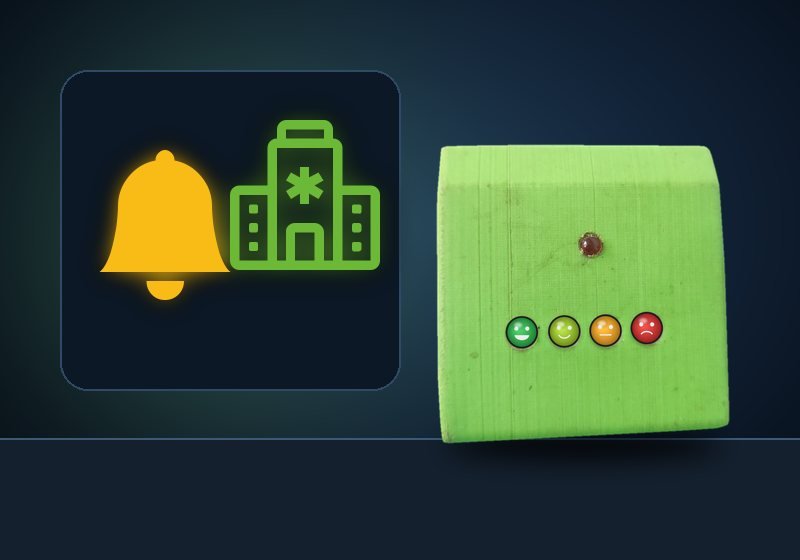
Service counters
Banks, hospitals and offices measure service quality at every counter.
In Development
Ajvika Smart FAX
Send a voice message from your phone. It waits on the device until someone presses Play, and they can reply with one button.
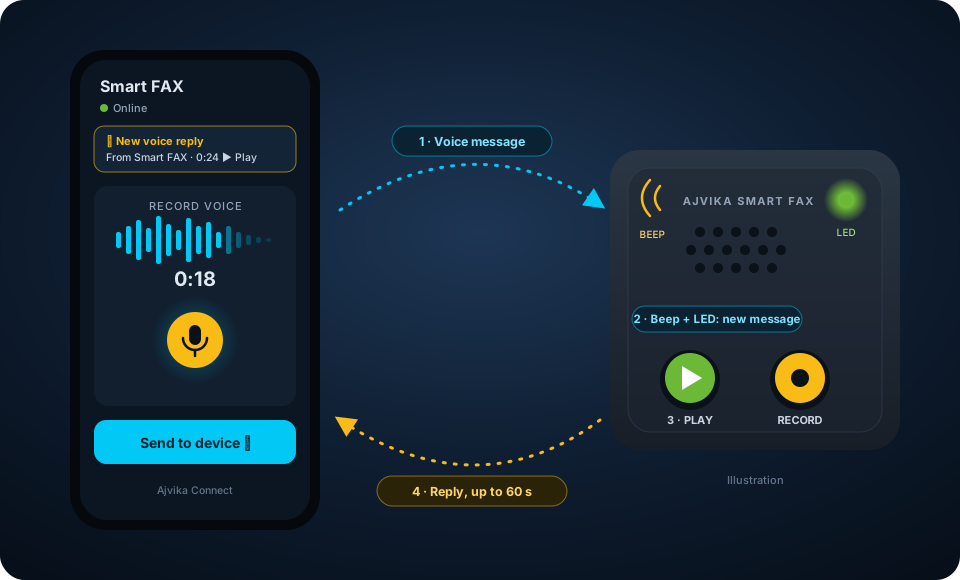
How it works
- Open the Ajvika Connect app, record your voice message and send it to the Smart FAX device.
- The device receives it — the buzzer beeps and the LED lights up so everyone knows a message is waiting.
- Press the Play button on the device to hear the voice message.
- To reply, press Record and speak (up to 60 seconds). The reply goes straight to the connected app, which shows a notification and plays it.
Voice, not typing
Just speak. Perfect for elders and kids who find typing hard.
Beep and LED alert
A buzzer and a light tell people a new message has arrived.
One-button reply
Press Record, talk for up to 60 seconds, and the reply is sent.
Reply notification
The app notifies you as soon as a reply arrives, ready to play.
- Elderly parents at home
- Kids at home
- Shops and workshops
- Offices and reception
In Development
Ajvika Water Level Controller
Your water tank, live on your phone. No more climbing to the terrace to check.
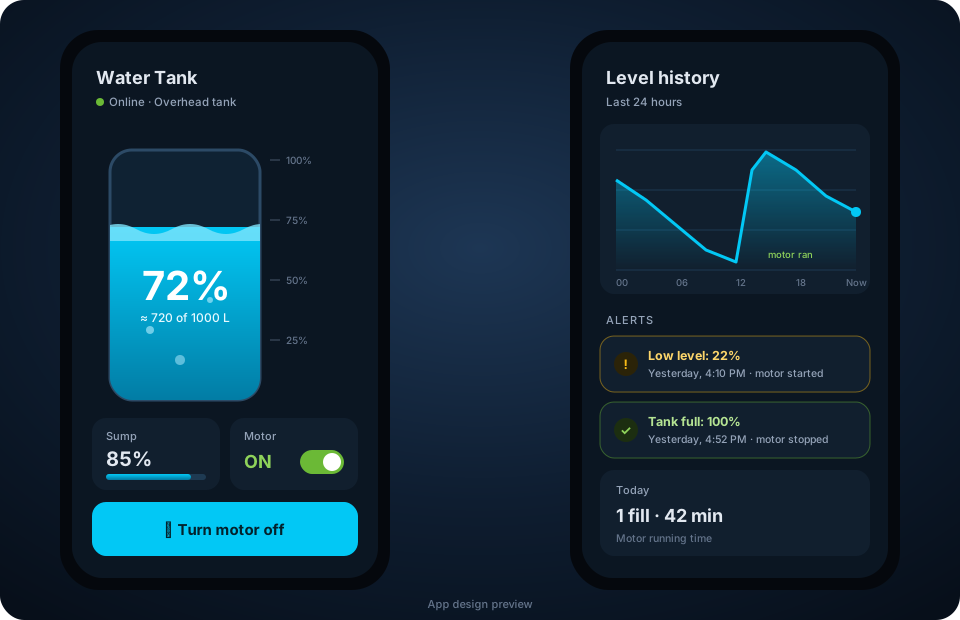
Live tank graphic
See the water level as a filling tank with a percentage in the app.
Motor from your phone
Switch the motor on or off without going to the switch.
Low and full alerts
Get notified before the tank runs dry or overflows.
Level history
See how the level changed through the day and when the motor ran.
In Development
Ajvika LED Matrix Display
A 64×64 full-colour LED panel you control from the Ajvika Connect app — for shops, desks and the back window of your car.
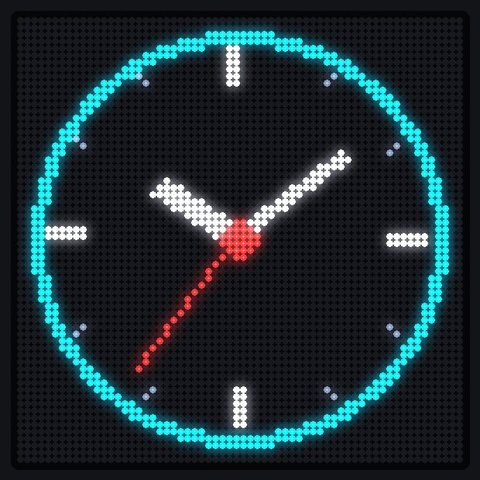
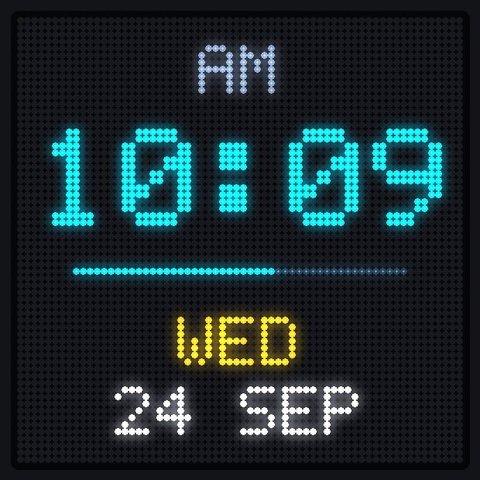
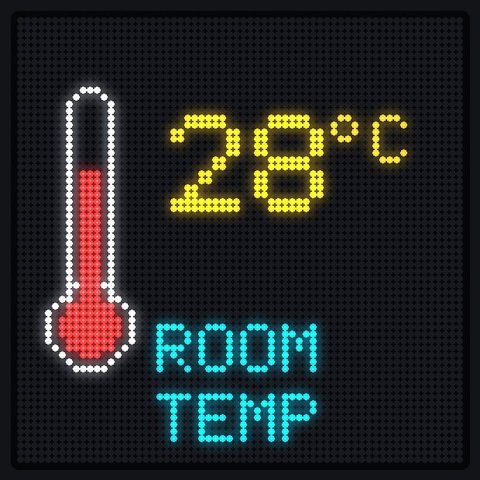

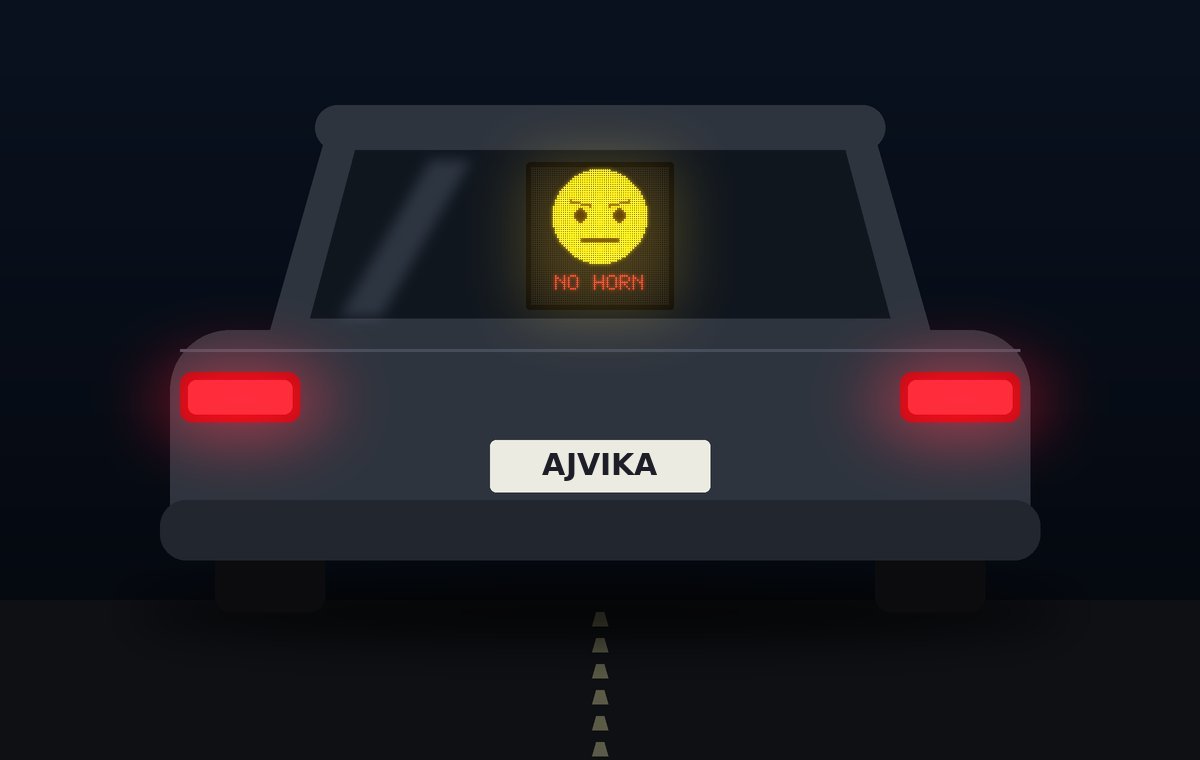
In your car, it talks to the driver behind you.
Mount the display in the rear window and pick what to show from the app: turn signals, stop, slow, parking, or a serious "no horn" face for the driver who keeps honking.
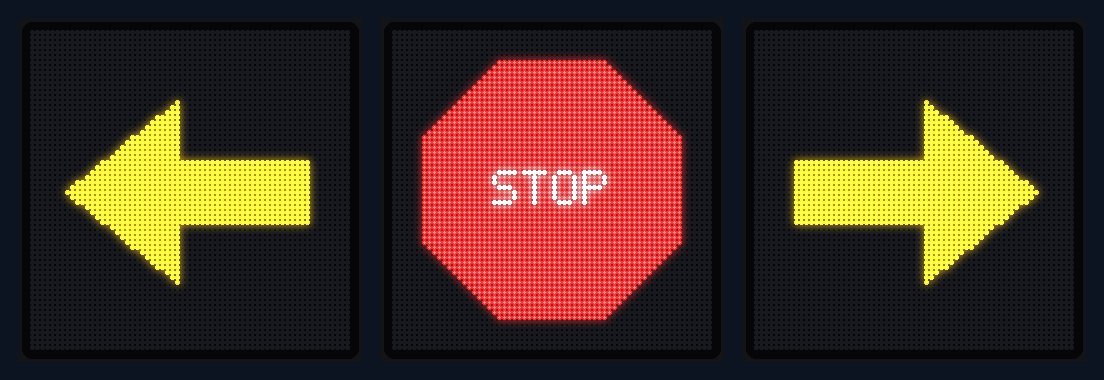
- Turn signals
- Do-not-disturb face
- Your own images
Controlled from the Ajvika Connect app
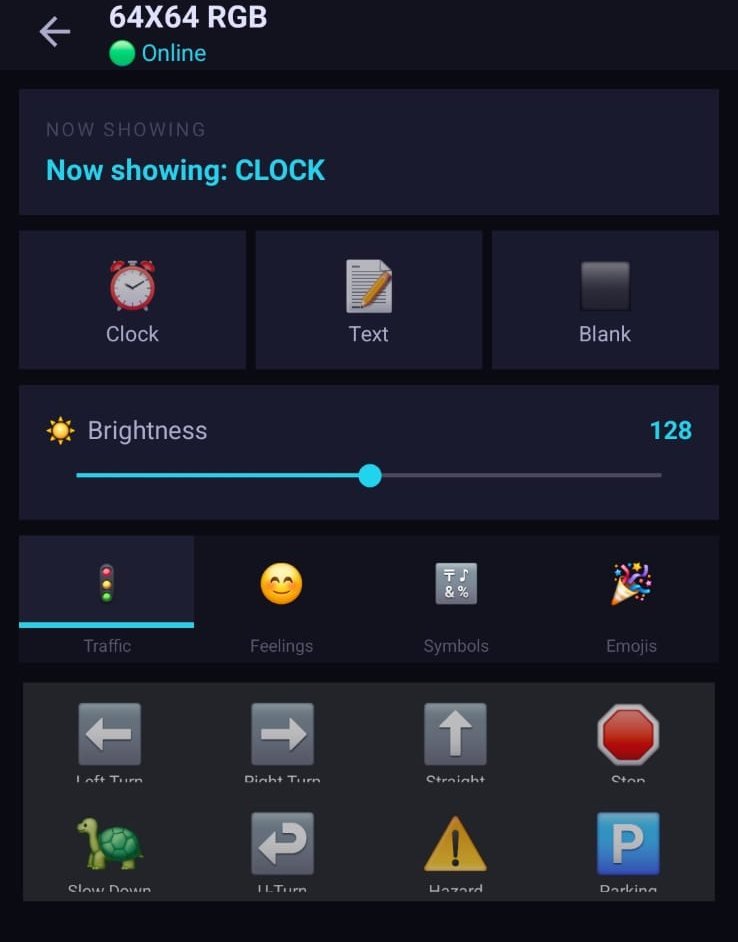
Now showing, brightness and quick picks
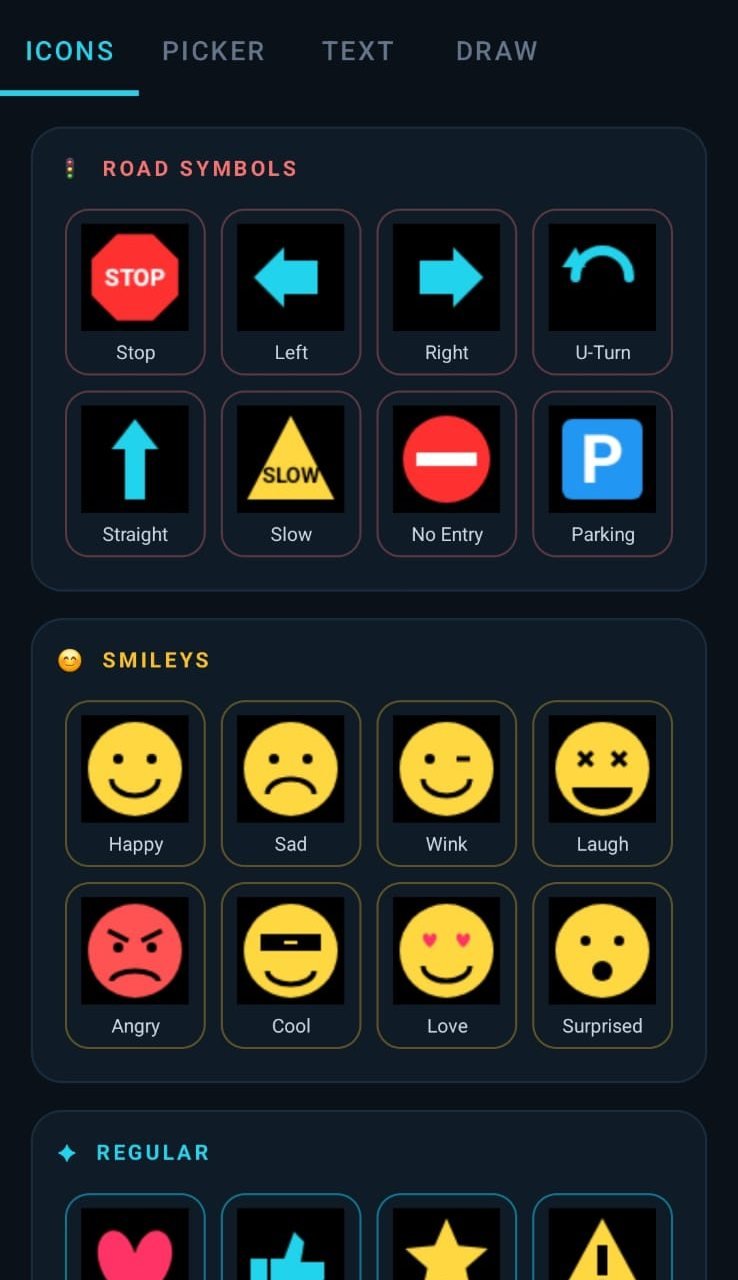
Gallery: road symbols, smileys, text and draw
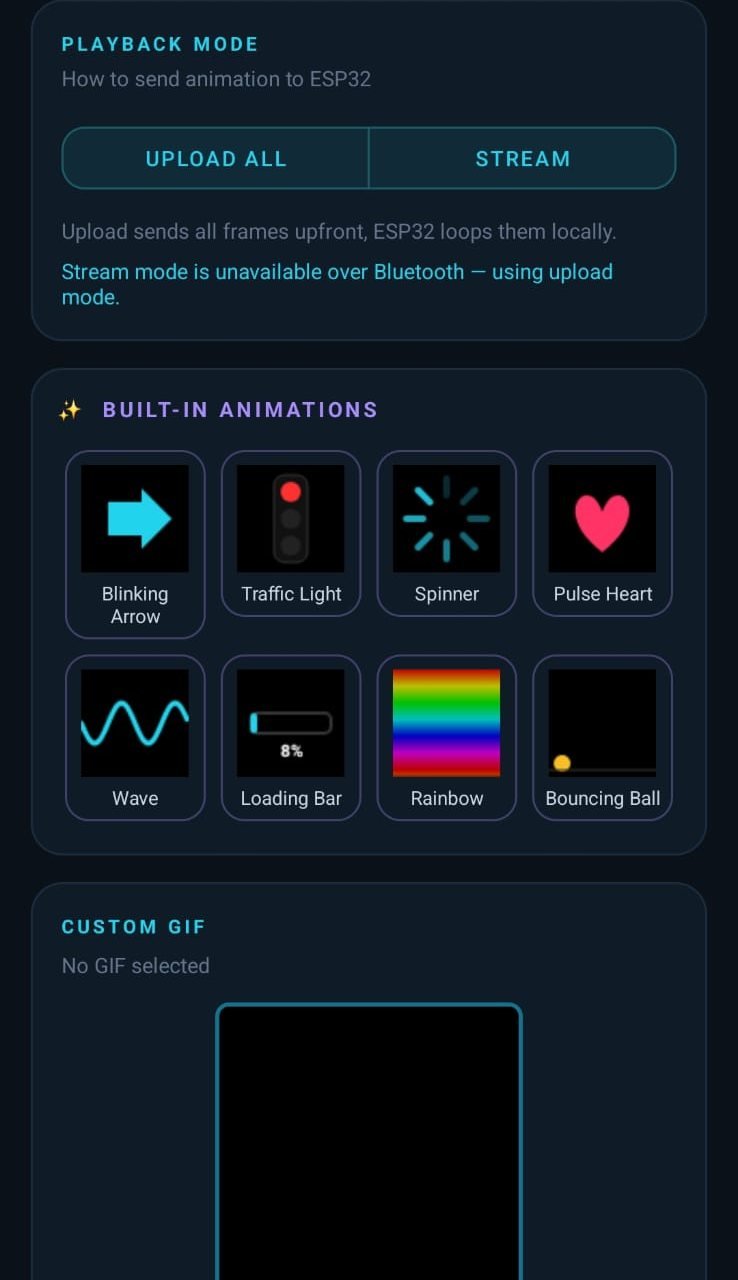
Built-in animations and custom GIFs
Want hardware built for your idea?
Ajvika designs end-to-end hardware-to-cloud products — sensors, control boards, and the apps that connect to them. Tell us what you're imagining.